
How to Switch From Paper Signing to Digital Signing: A Complete Guide Based on Real Experience
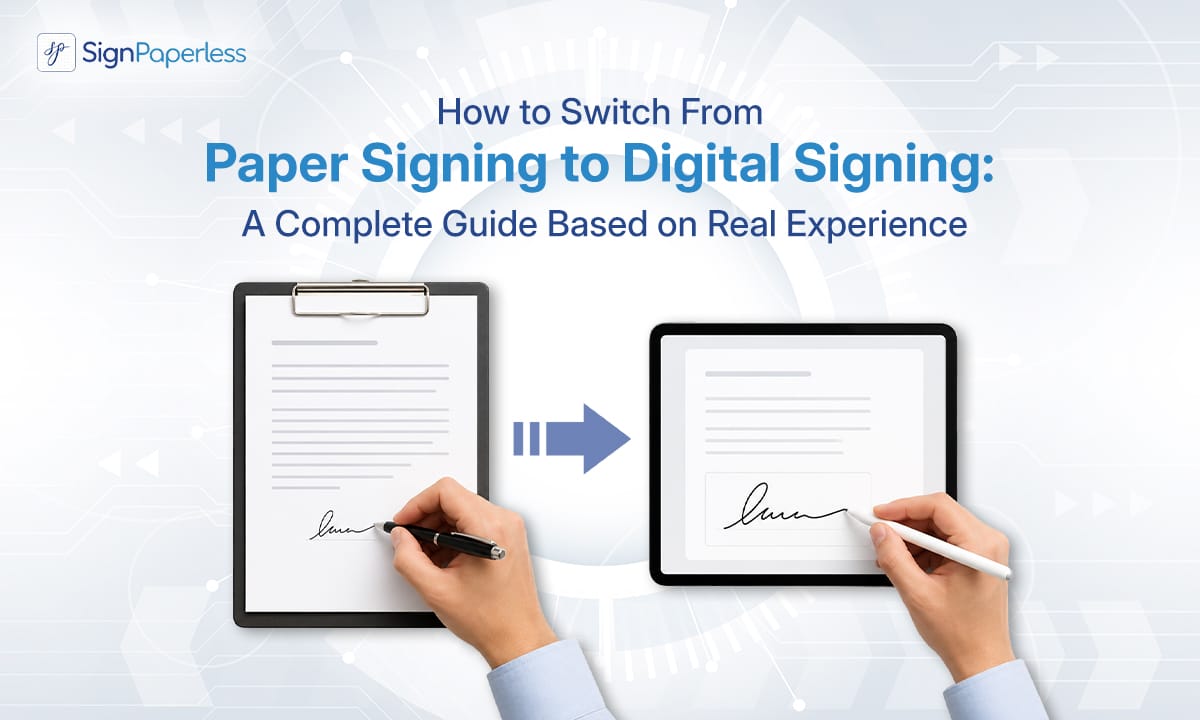
There was a time when signing a contract or important document meant printing, pen, scanner, and long email threads. Sitting in the office and waiting- “Sir, have you signed?” or “Has the courier arrived?”- these were very common scenes.
But now the nature of work has changed. Remote work, online business, quick decisions- everything combined, people are rapidly switching from paper signatures to digital signatures.
But it is not just a matter of changing technology; it is a matter of changing work culture. So today, you will get to know about how you can switch from paper signing to digital signing and how to create an effective digital document signing process.
Digital Signing vs Paper Signing: The Real Difference
First, let us make a clear comparison between digital signing and paper signing.
What happens in paper signing?
You have to arrange for a printed copy, then sign it by hand.
First print on paper, then sign with a pen; there is no way without these two steps. Then they have to be scanned and sent or couriered. Finally, they have to be filed and kept. If there is a delay somewhere in the middle, the whole work gets stuck.
On the other hand, what about digital signing?
You created the document, sent it via email, and the recipient signed it from their mobile phone. The timestamp was immediately added, and everything was saved in the cloud.
This is why it makes sense that so many people are not transitioning to digital signatures because there is speed, transparency, and no unnecessary hassle.
Why is Transition to Digital Signatures Urgent Now?
Many people think, “We are still working on paper, what is the problem?”
The problem is not visible, but time is wasted every day.
- Delay in getting sign
- Risk of document loss
- Storage costs
- Additional scanning and printing tasks
These small things together create big inefficiencies. So, switching from paper signature to digital signature is not just modernity; it is a necessity.
How to Get Started: Step-by-Step Process
- Understand Your System First
First, sit and think.
What documents require regular signatures? Offer letters? Contracts? Invoices?
Going directly to digital without this analysis can create chaos.
- Choose the Right Tool
When you decide to adopt digital signature solutions, do not just choose a platform.
Check-
- Legally acceptable or not
- Is there data encryption?
- Does it provide an audit trail?
- Is it easy to use?
A good e-signature platform will make half of your work easier.
- How to Implement Digital Signature Workflow
This is the most important part. It is not just about having the tools, you need to know how to implement digital signature workflow.
A typical workflow might be-
- Creation of documents
- Sending to specific people
- Automatic reminder
- Save to the cloud when the sign is complete
Try using templates. This will save you from having to create the same type of document over and over again. The entire digital document signing process will then be much smoother.
4. Switch Slowly
Do not change the entire system in one day. Start with small documents. For example, an offer letter or a short service agreement.
If everything goes well, gradually move on to larger contracts. This is how you can safely switch from paper signing to digital signing.
5. Convince the Team
Many times, people are afraid of new things. So when transitioning to digital signatures, give a short demo. Show them how to give an e-signature.
When everyone sees that there is no hassle with print scan, they will welcome this change themselves.
Going from paper to digital does not just mean changing the way you sign; it is about keeping up with the times. Comparing digital signing vs paper signing, it is clear that the digital method is faster, safer, and more professional. Speed is very important these days, so do not delay and start slowly switching from paper signatures to digital signatures.
You will gradually realise that mastering how to implement digital signature workflow means developing a new perspective on managing work in a modern and smart way. With SignPaperless as your partner planning will never be a problem for you and with the use of the right tools your business can save up to 40%.
From security to compliance, we got you covered as 80% of your signings will be done within a day. E guarantee to make the entire document signing process will become easy, fast, and reliable.